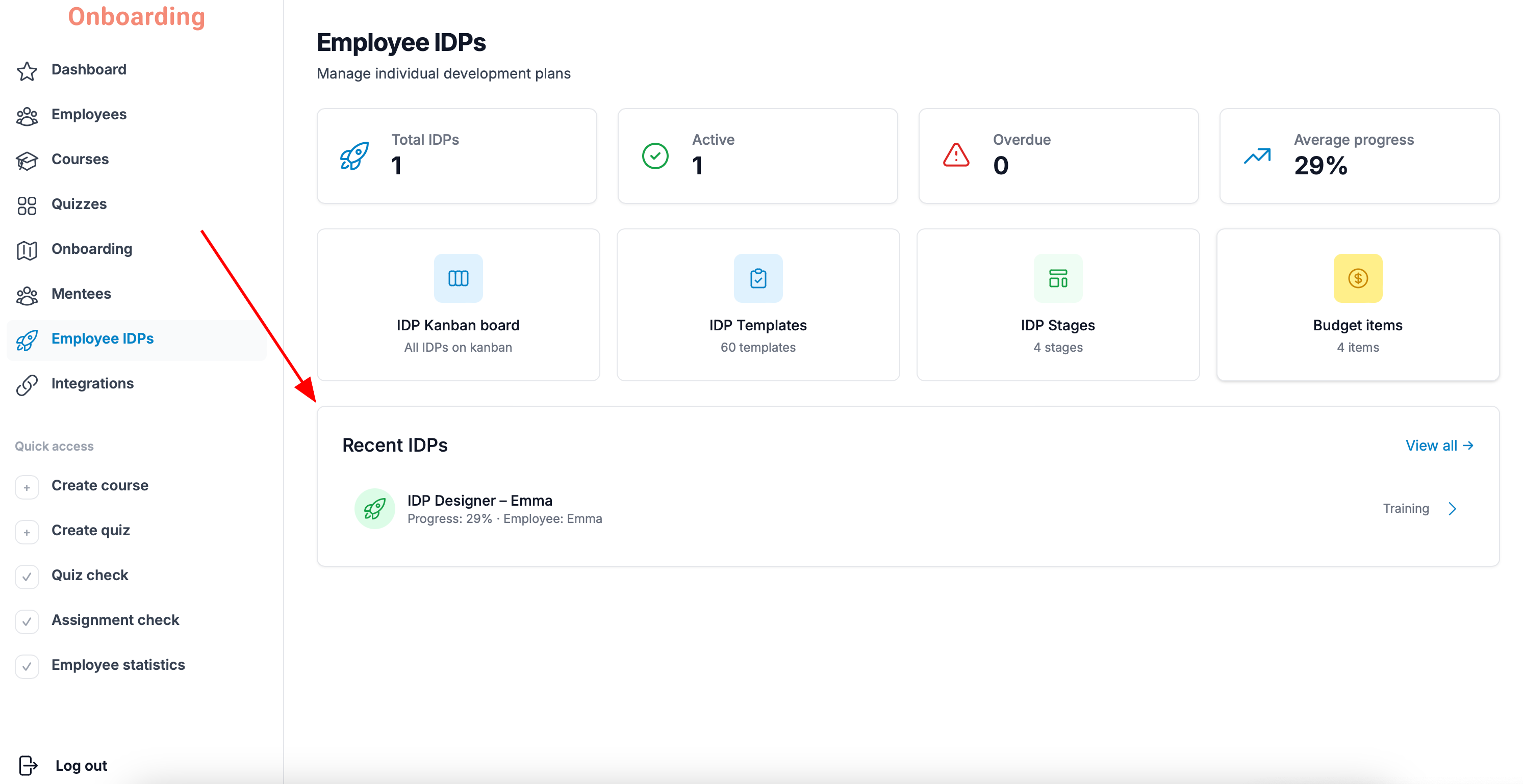
To edit an IDP, open the «Employee IDPs» section, find the IDP you need, and open its card.
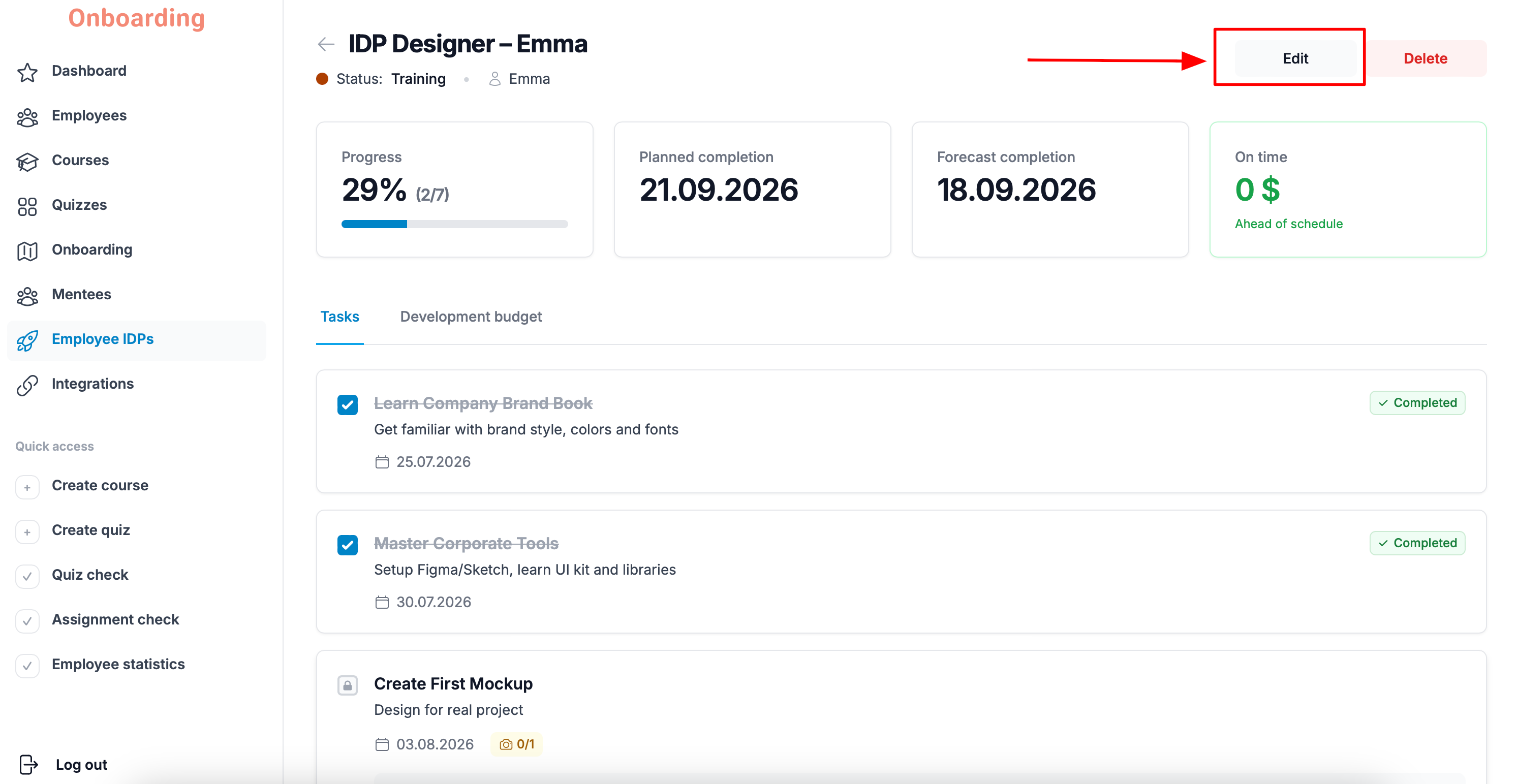
Click «Edit» in the top-right corner of the page.
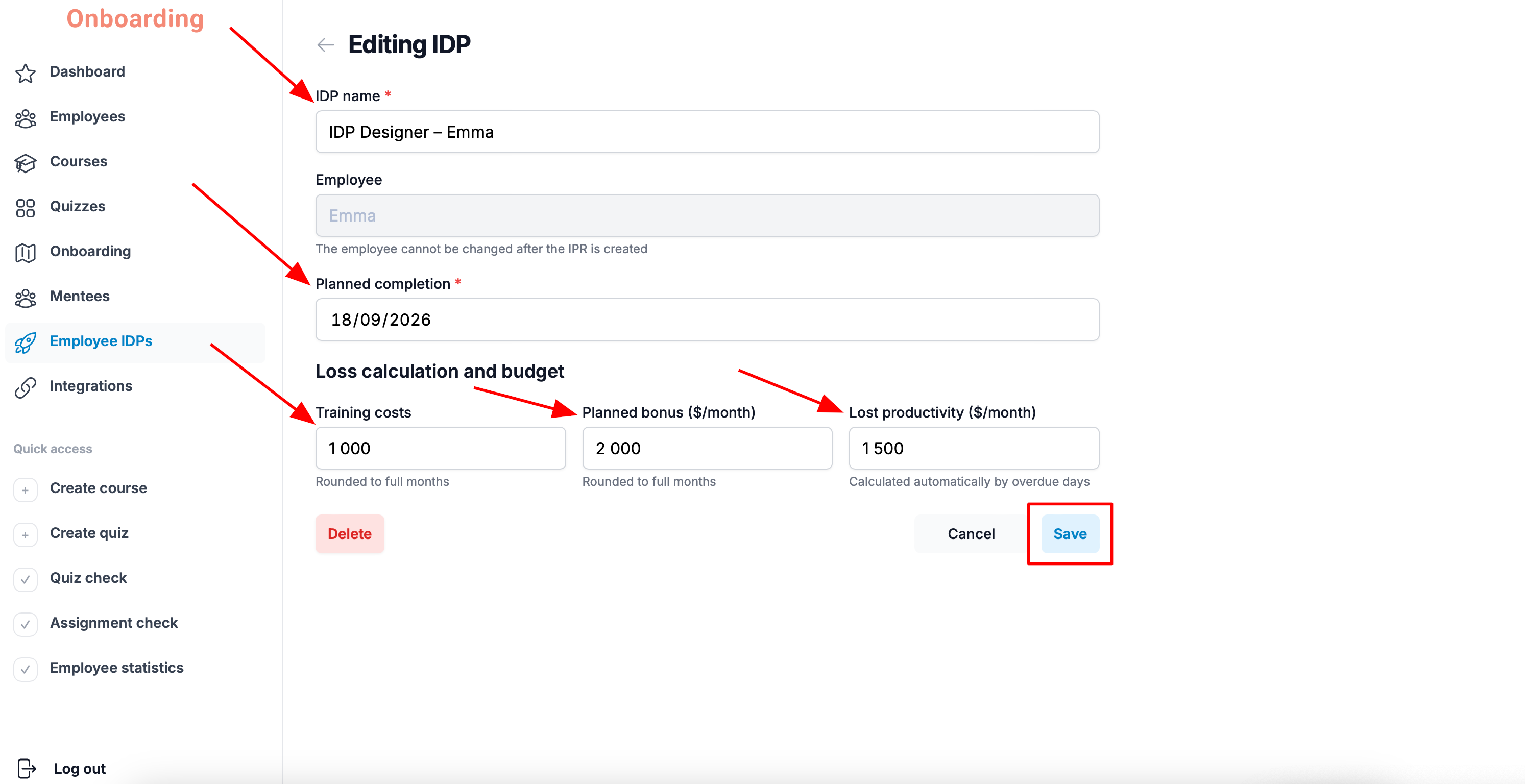
The IDP editing page opens.
You can change:
- the IDP name;
- the planned completion date;
- the training costs;
- the planned bonus;
- the lost productivity.
When you're done, click «Save».
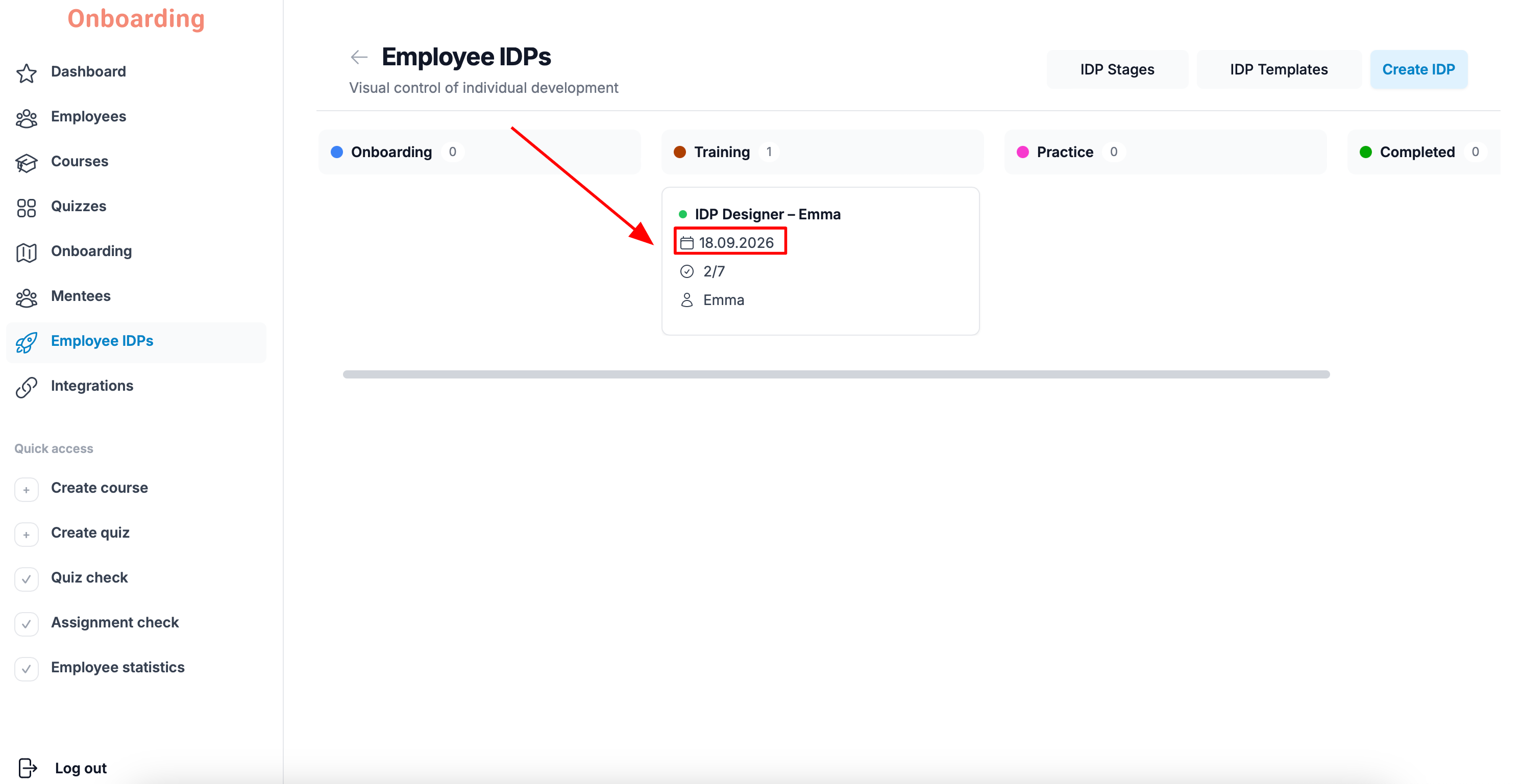
Done
Your changes are saved and reflected in the IDP card 🎉
Important
You can't change the IDP's template or reassign it to another employee through editing.
If you need to give the employee a different template, delete the current IDP and create a new one with the right template.