To see statistics for a specific onboarding track, open the «Onboarding» section, pick the track you need, and click «View more».
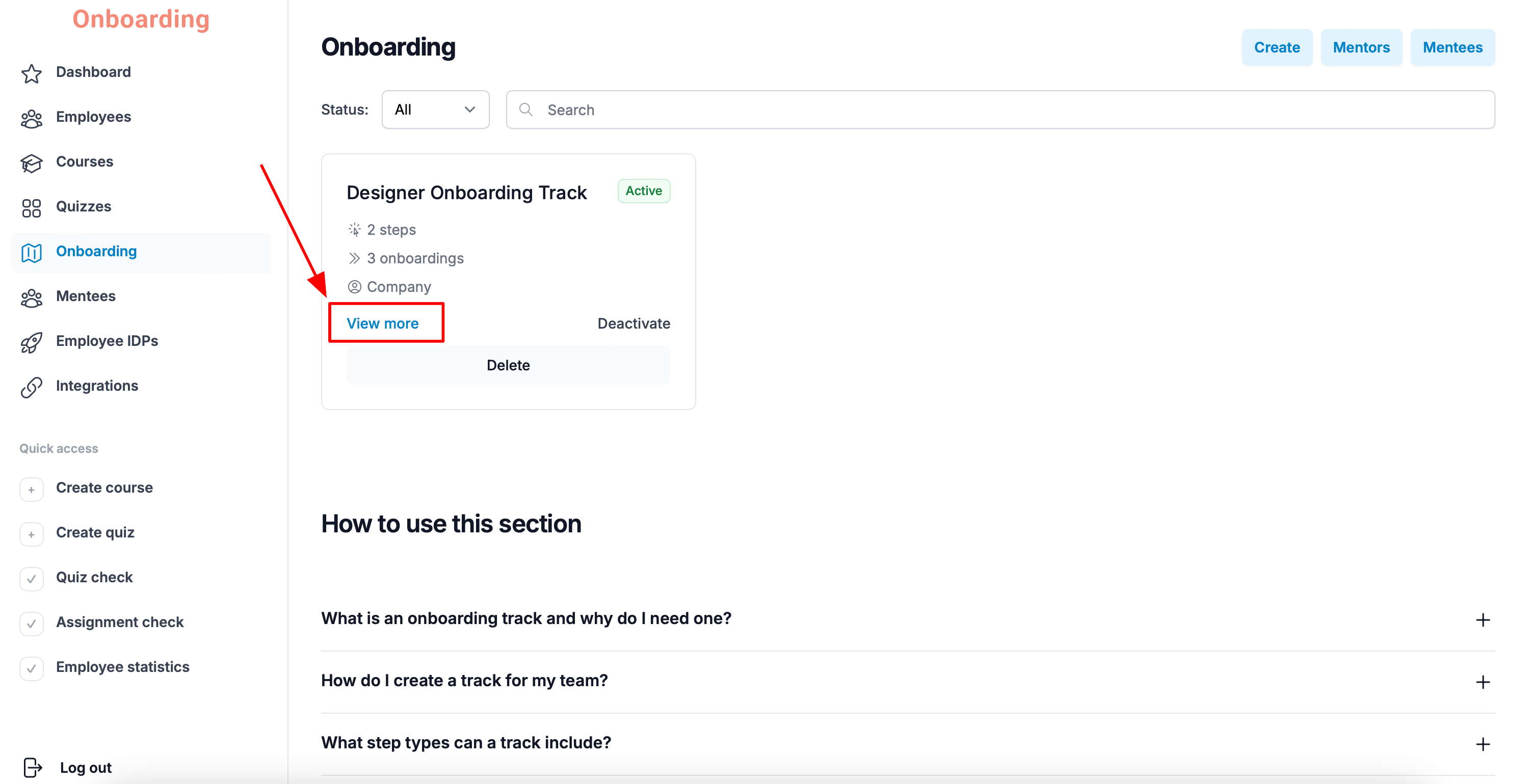
The track's detail page opens.
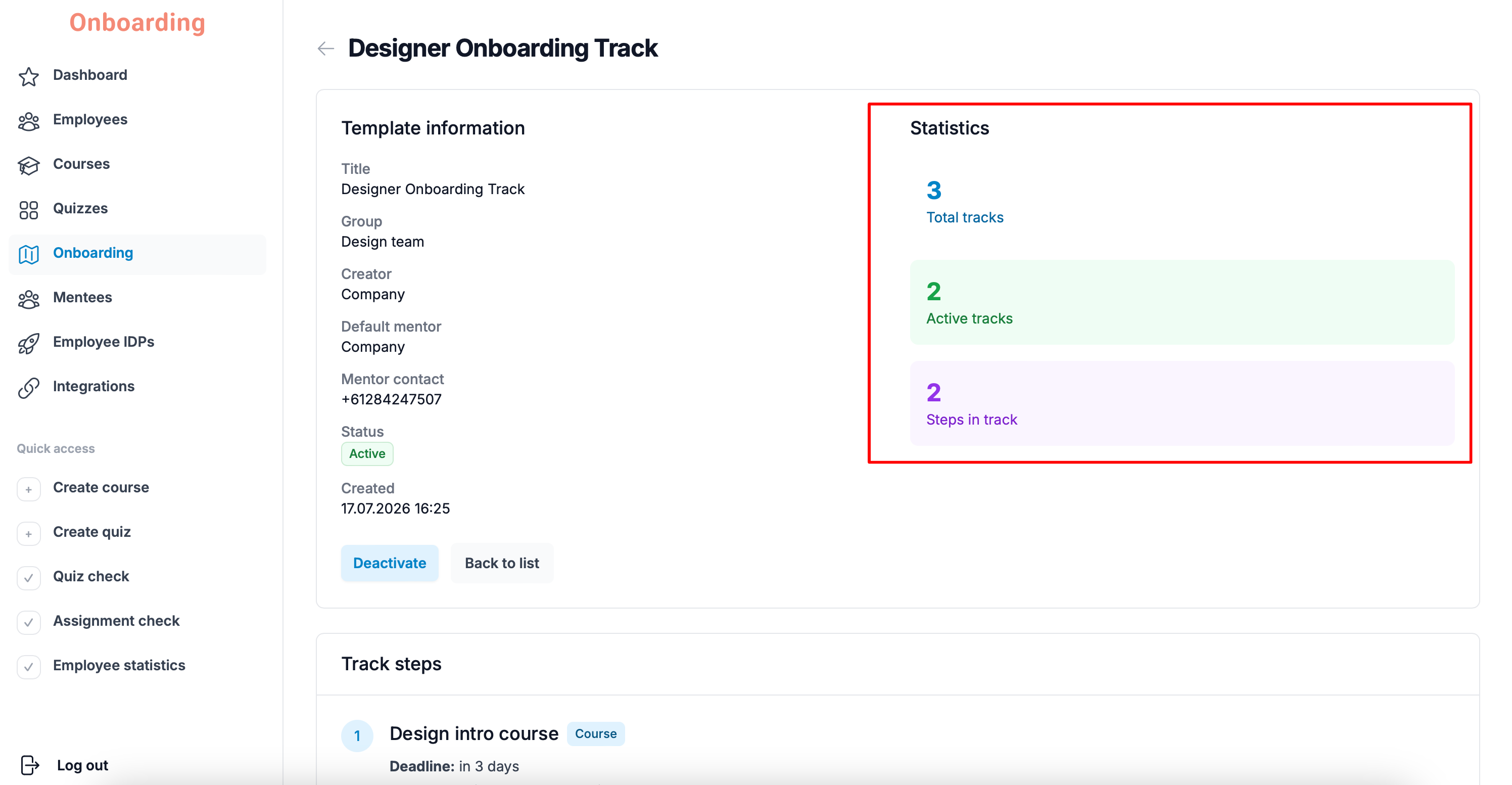
On the right you'll see a quick summary of the employees assigned to this onboarding track:
- Total tracks – the total number of employees assigned this onboarding track.
- Active tracks – the number of tracks that have passed their start date and still have unfinished steps.
- Steps in track – the number of stages that make up this onboarding track.