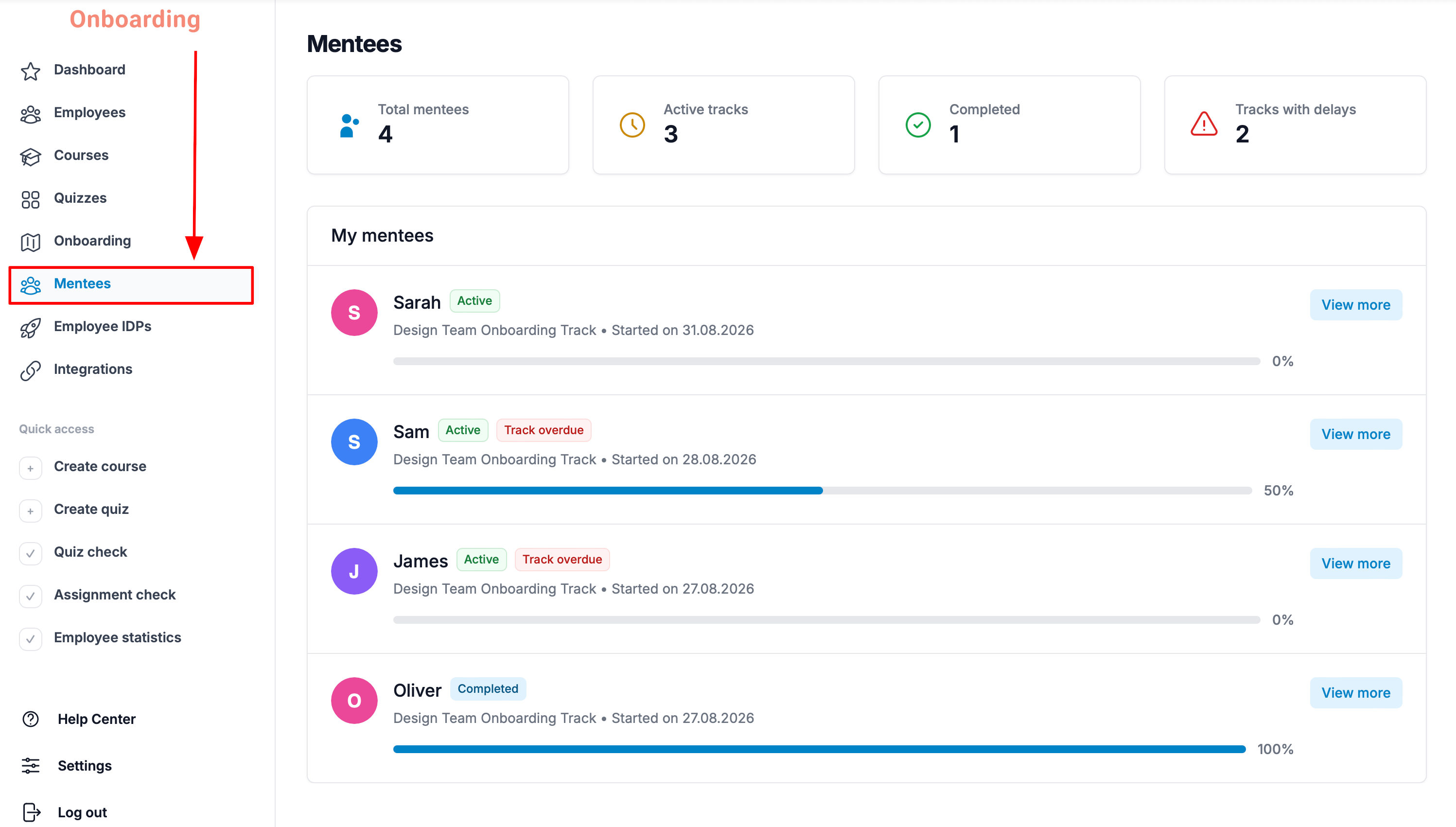
To see mentee statistics, open the «Mentees» section from the sidebar menu.
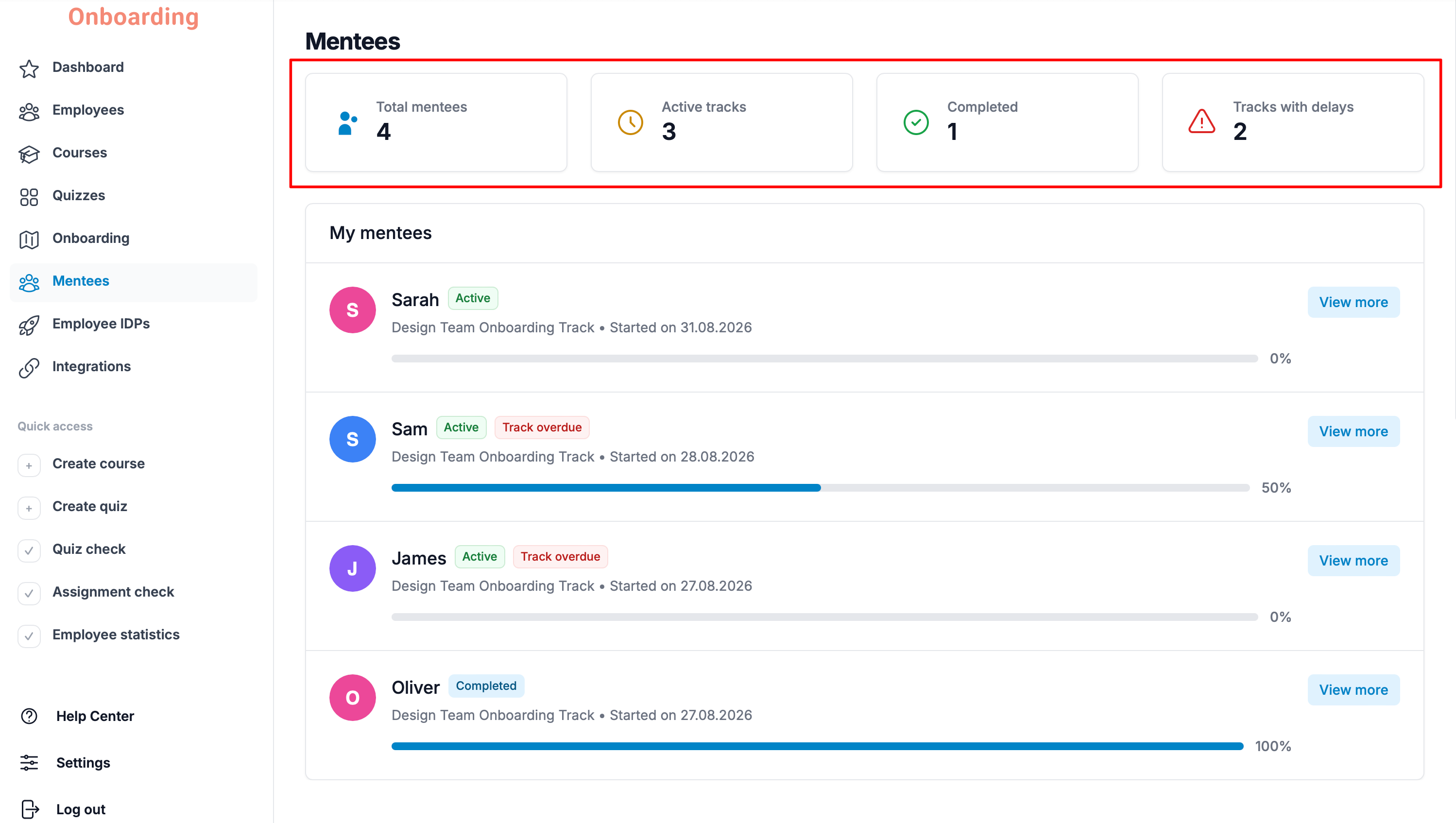
The top of the page shows a quick summary of mentees and onboarding tracks:
- Total mentees – the total number of employees assigned to the mentor.
- Active tracks – the number of active onboarding tracks.
- Completed – the number of finished onboarding tracks.
- Tracks with delays – the number of onboarding tracks in which one or more steps were not completed within the set timeframe.
Important
An overdue track does not prevent an employee from completing it. They can complete overdue onboarding steps at any time after the set deadline.
Being overdue only affects the statistics and helps mentors track employee progress – see who is completing onboarding on time and who may need an additional reminder.
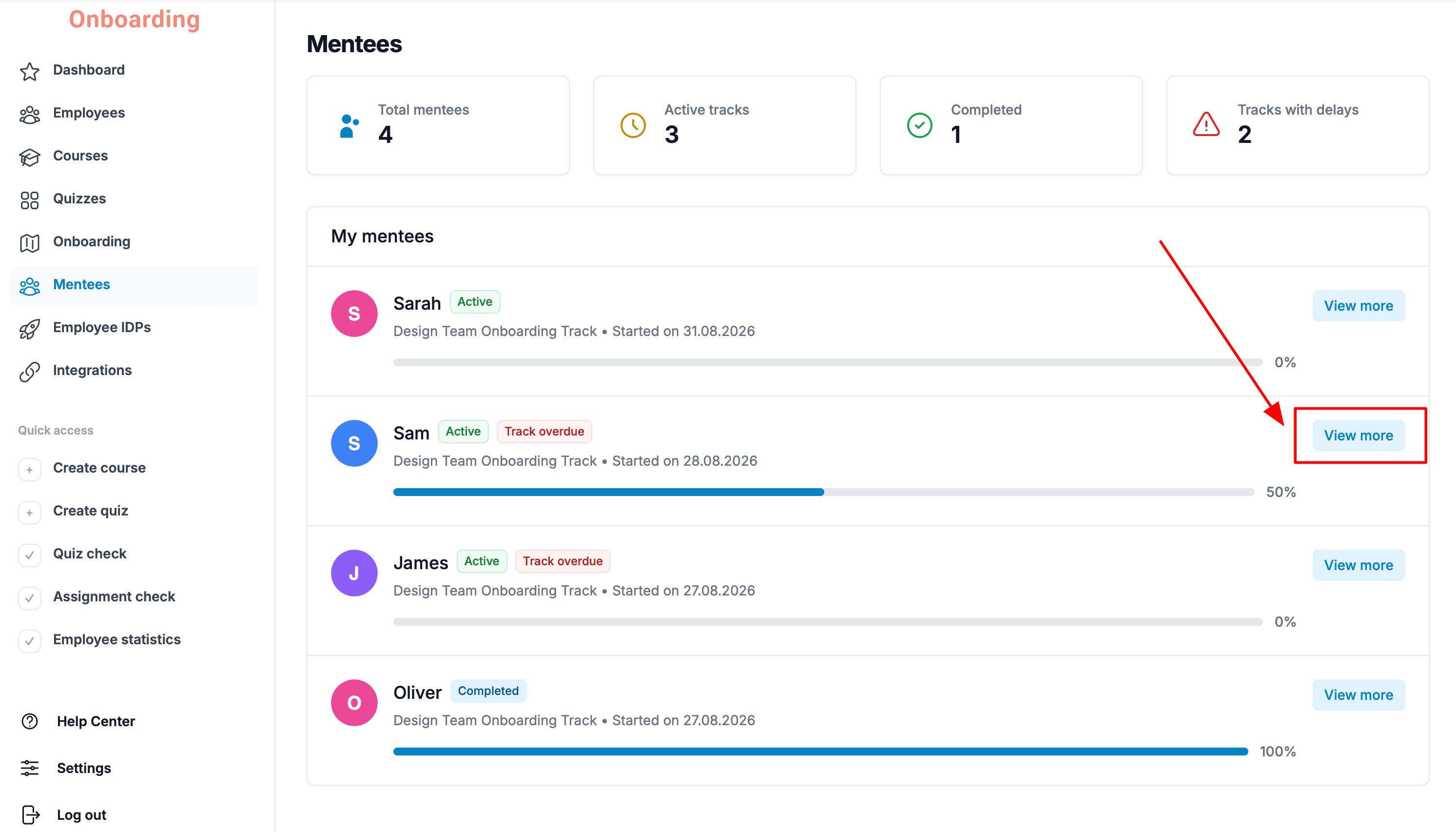
To see detailed statistics for a specific mentee, click «View more» next to that employee.
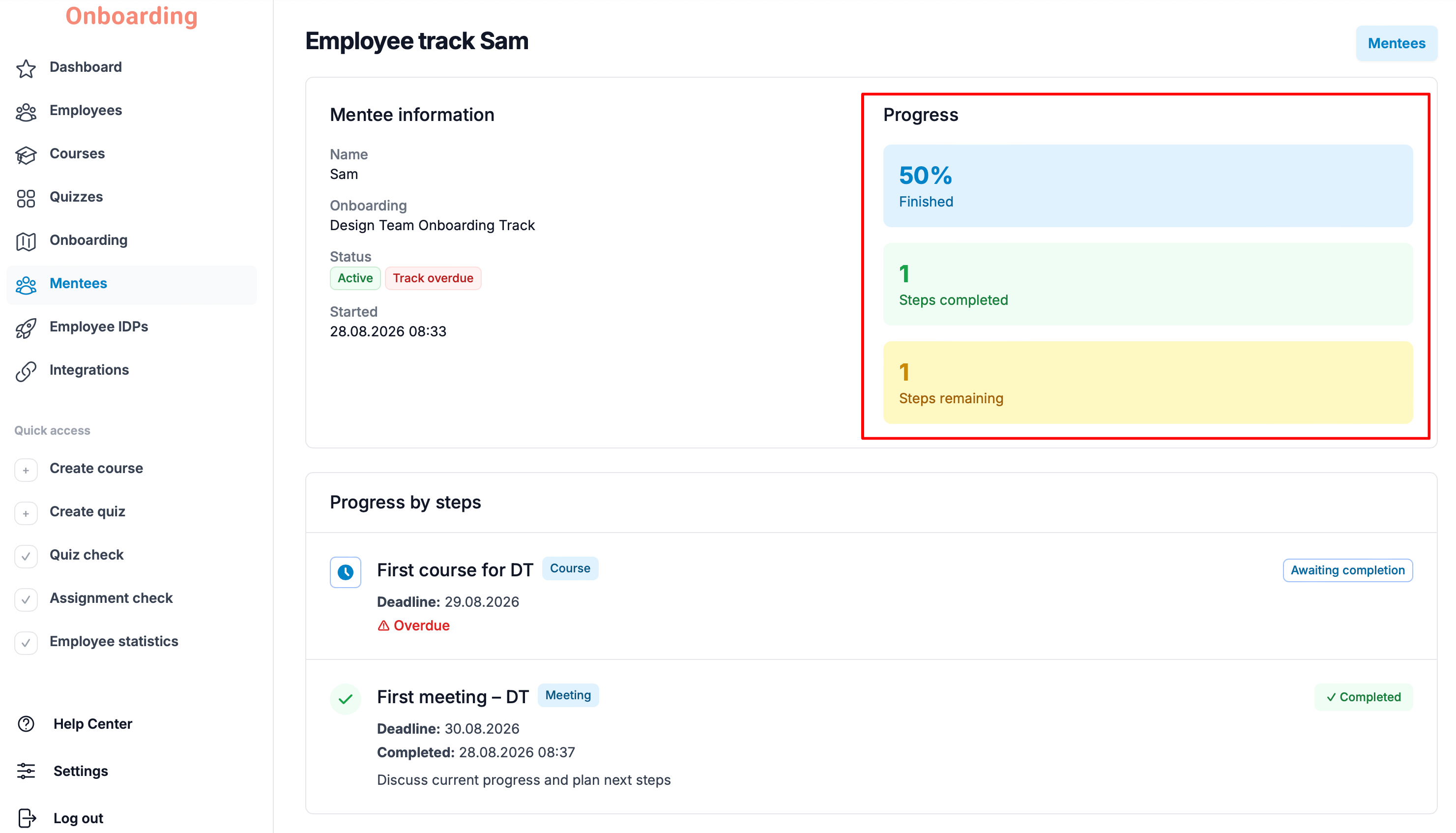
The right side of the page shows their progress through the onboarding track:
- current completion progress (as a percentage);
- the number of steps completed;
- the number of steps remaining.