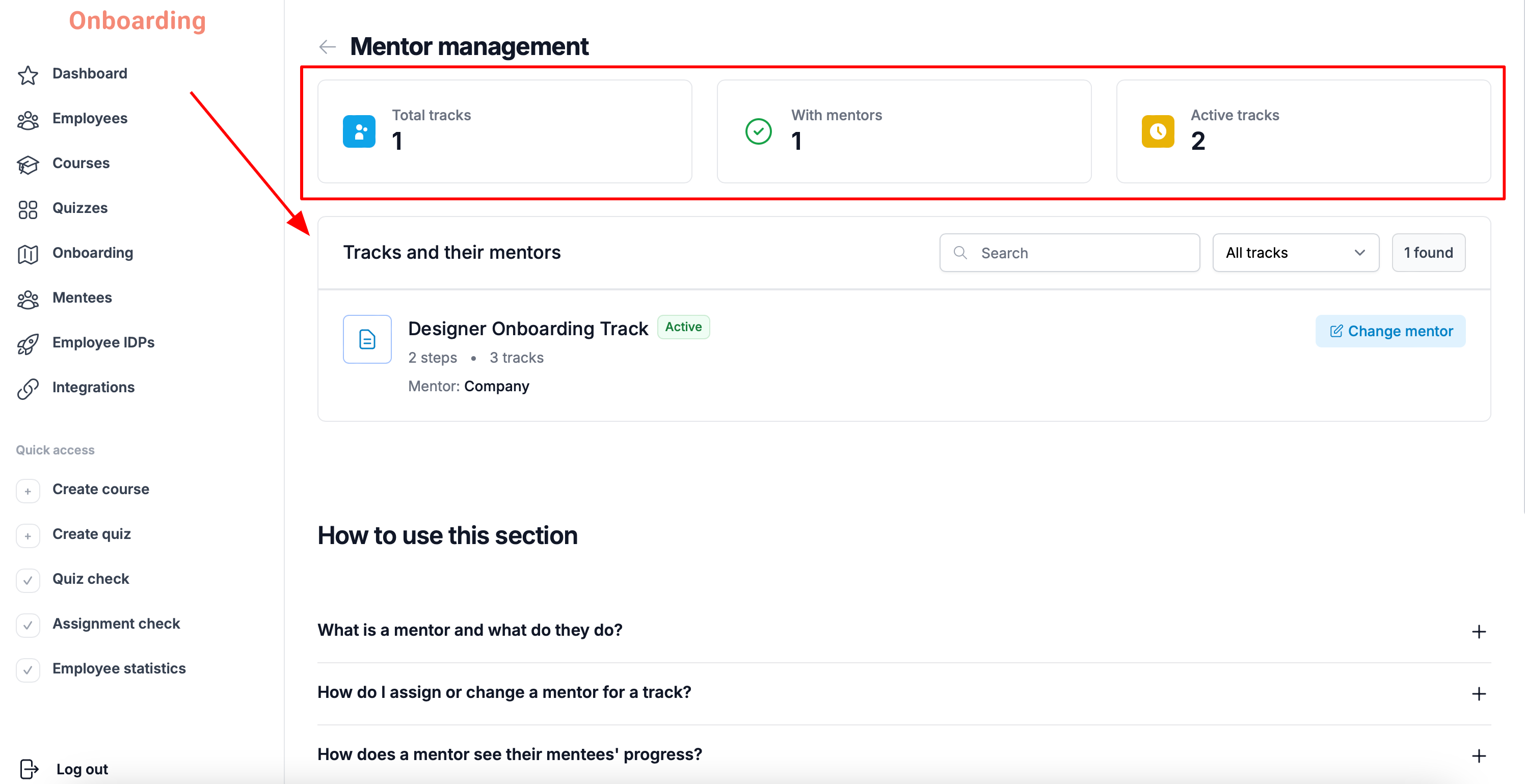
To see mentor statistics, open the «Onboarding» section and click the «Mentors» button in the top-right corner of the page.
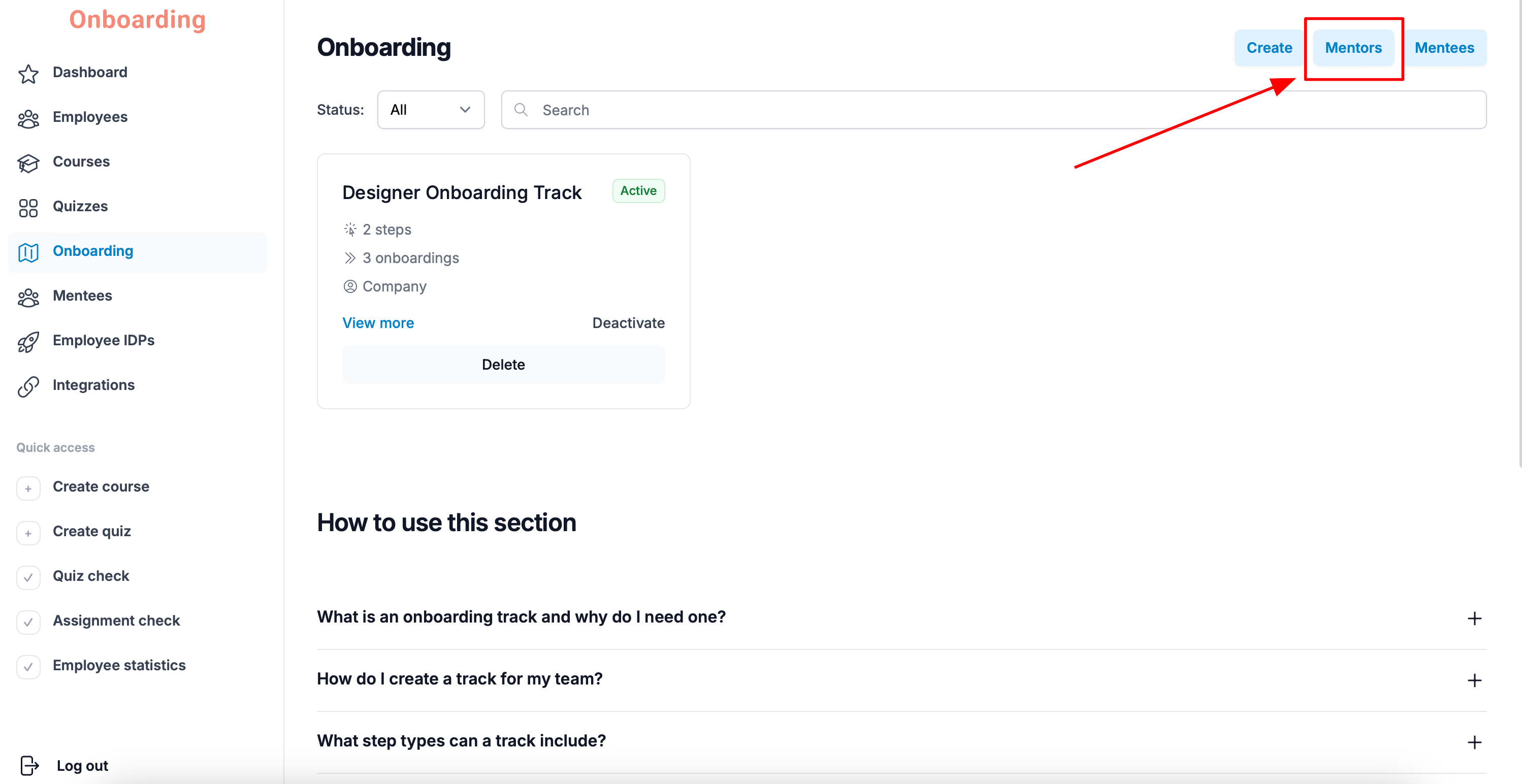
The top of the page shows a quick summary of onboarding tracks and mentors:
- Total tracks – the total number of onboarding tracks created.
- With mentors – the number of tracks that have a mentor assigned.
- Active tracks – the number of active onboarding tracks.
- Tracks and their mentors – how many onboarding tracks each mentor has.