To open the «Employees» section, select it in the platform's sidebar menu.
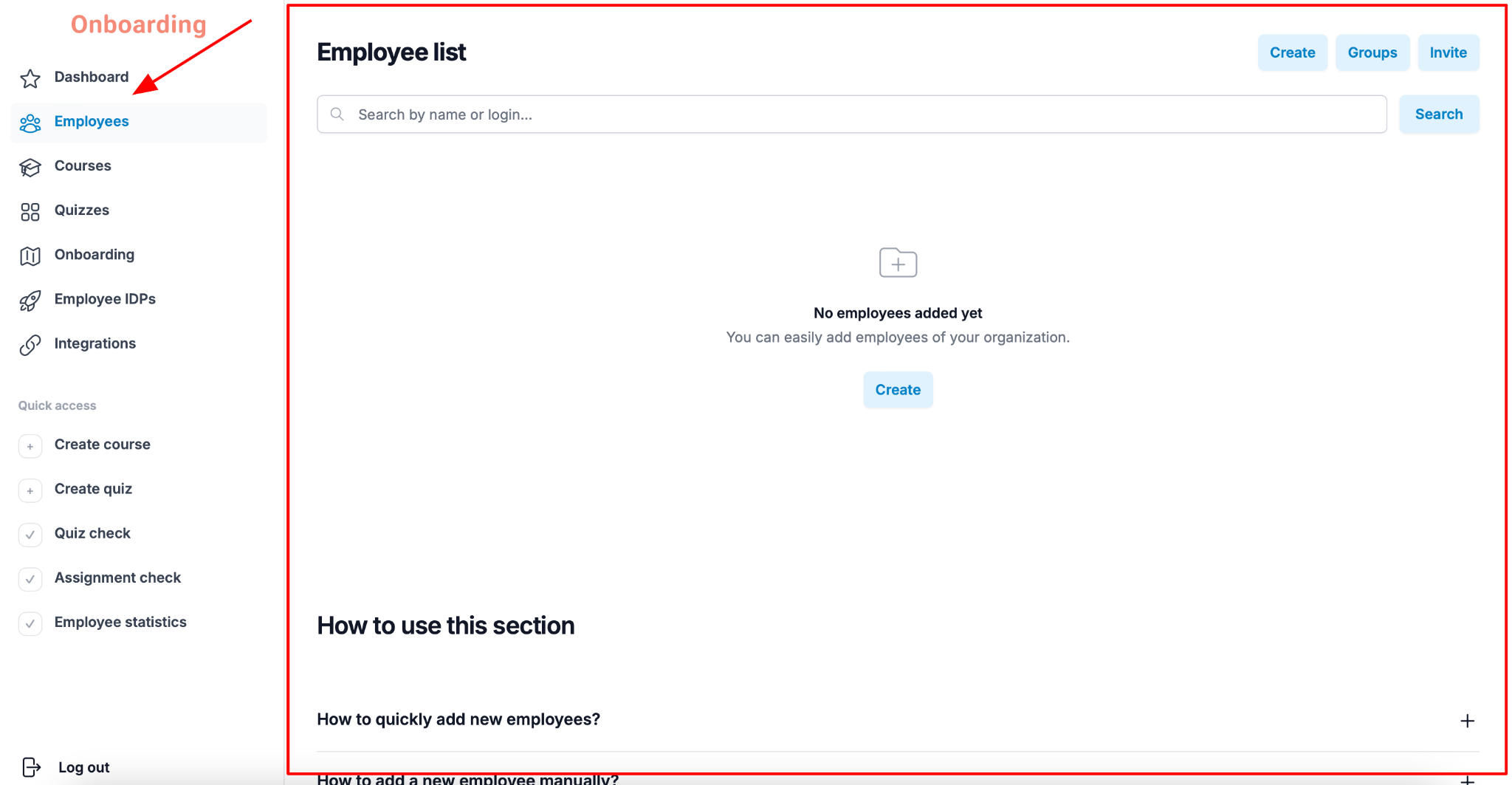
This section is where you manage the platform's users and their groups. Here you can:
- add new employees manually;
- invite employees via a link;
- create and manage employee groups;
- search for employees registered in the system.
Note
The «Employees» section is the starting point for organizing training and onboarding: this is where you build the user structure that courses, onboarding tracks, and individual development plans will later be assigned to.