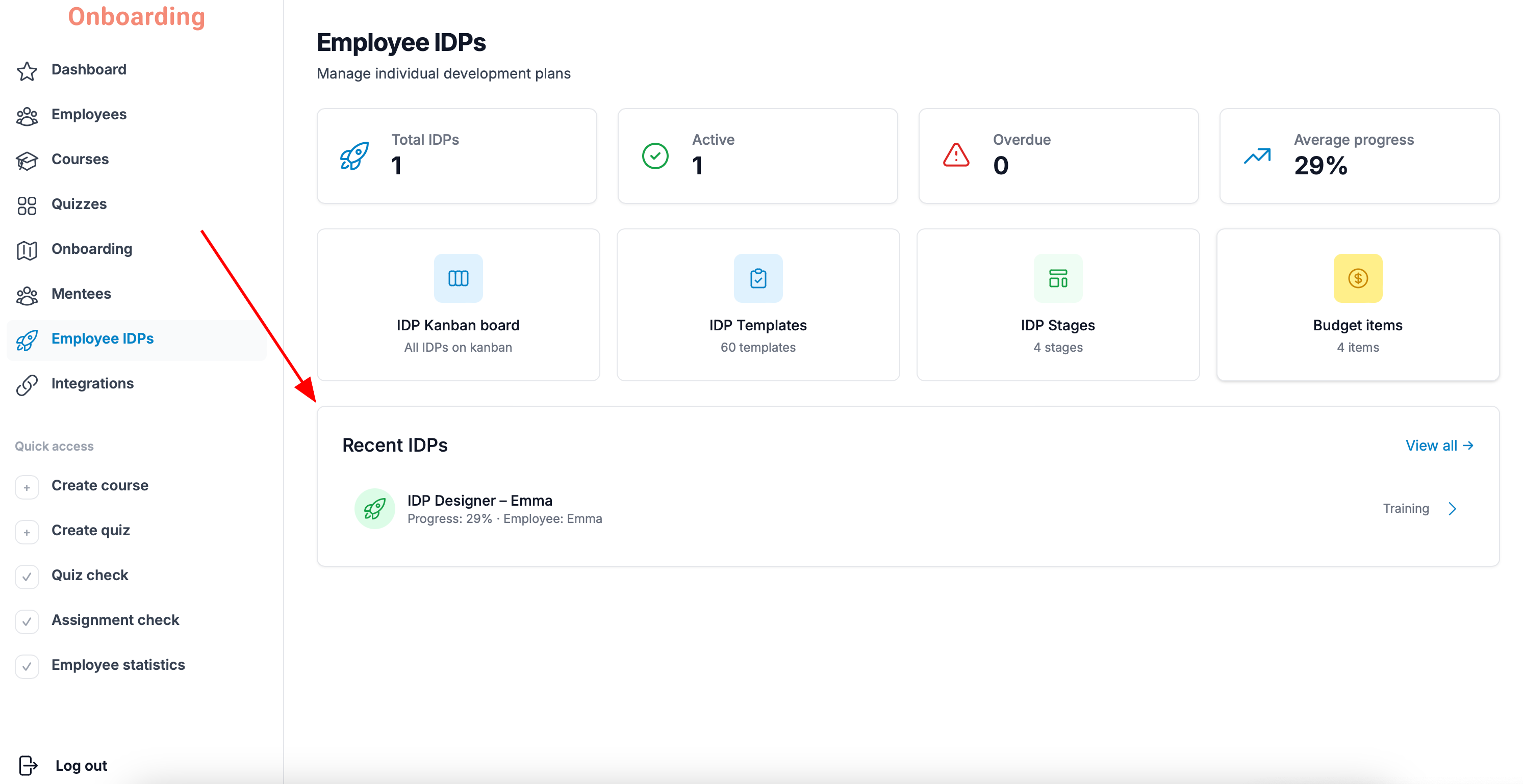
To delete an IDP, open the «Employee IDPs» section, find the IDP you need, and open its card.
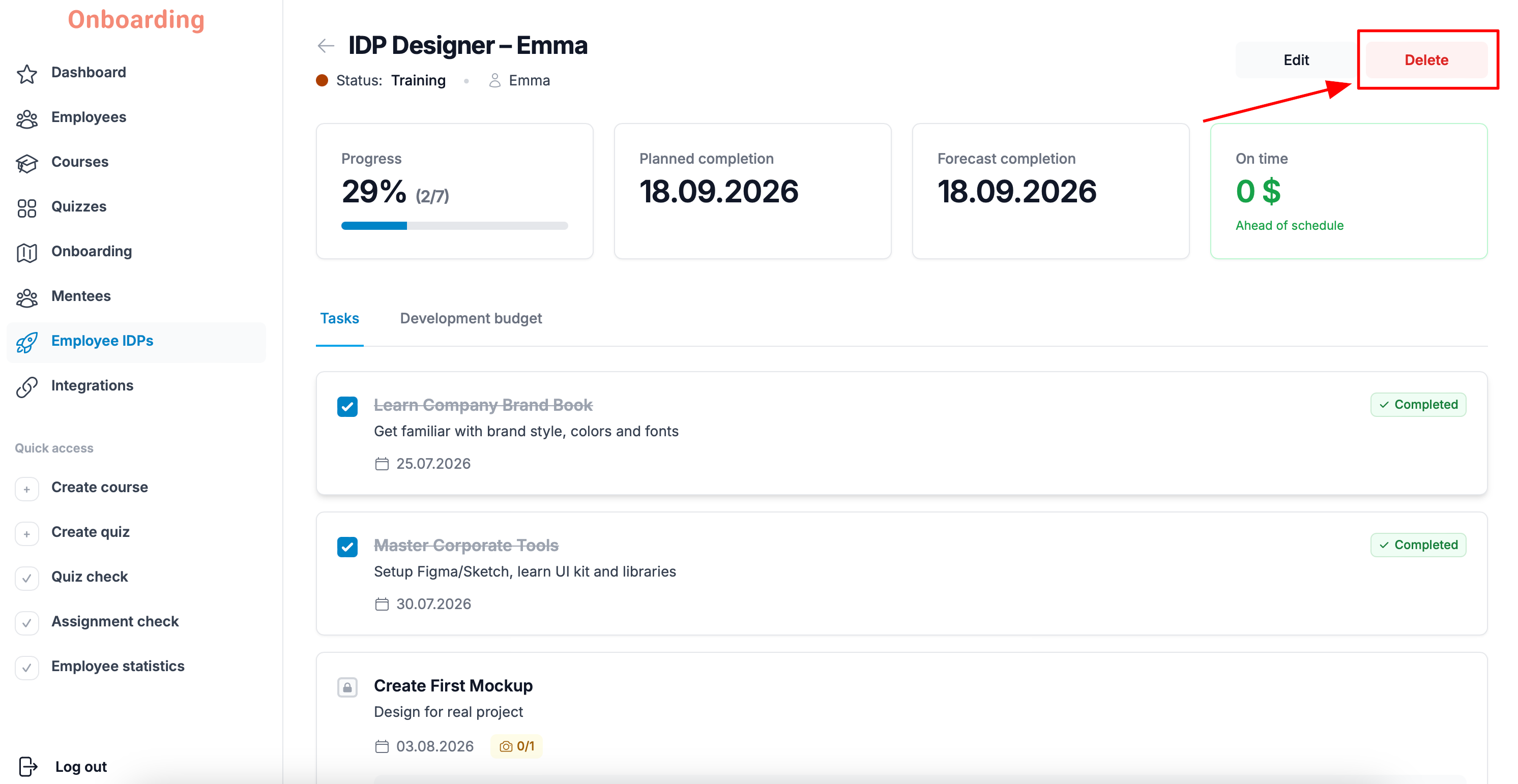
Click «Delete» in the top-right corner of the page.
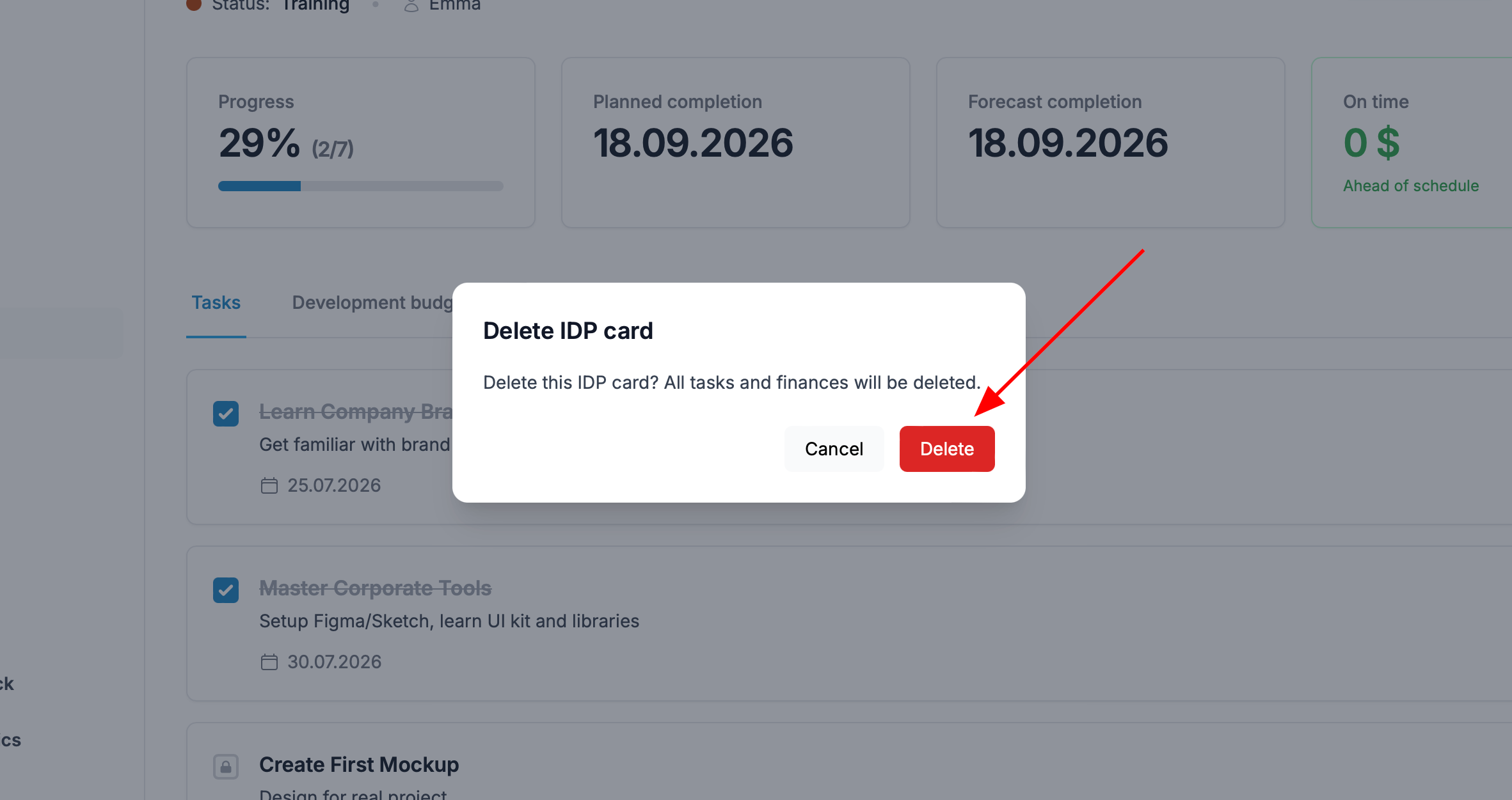
Confirm the action by clicking «Delete» again in the window that appears.
Done
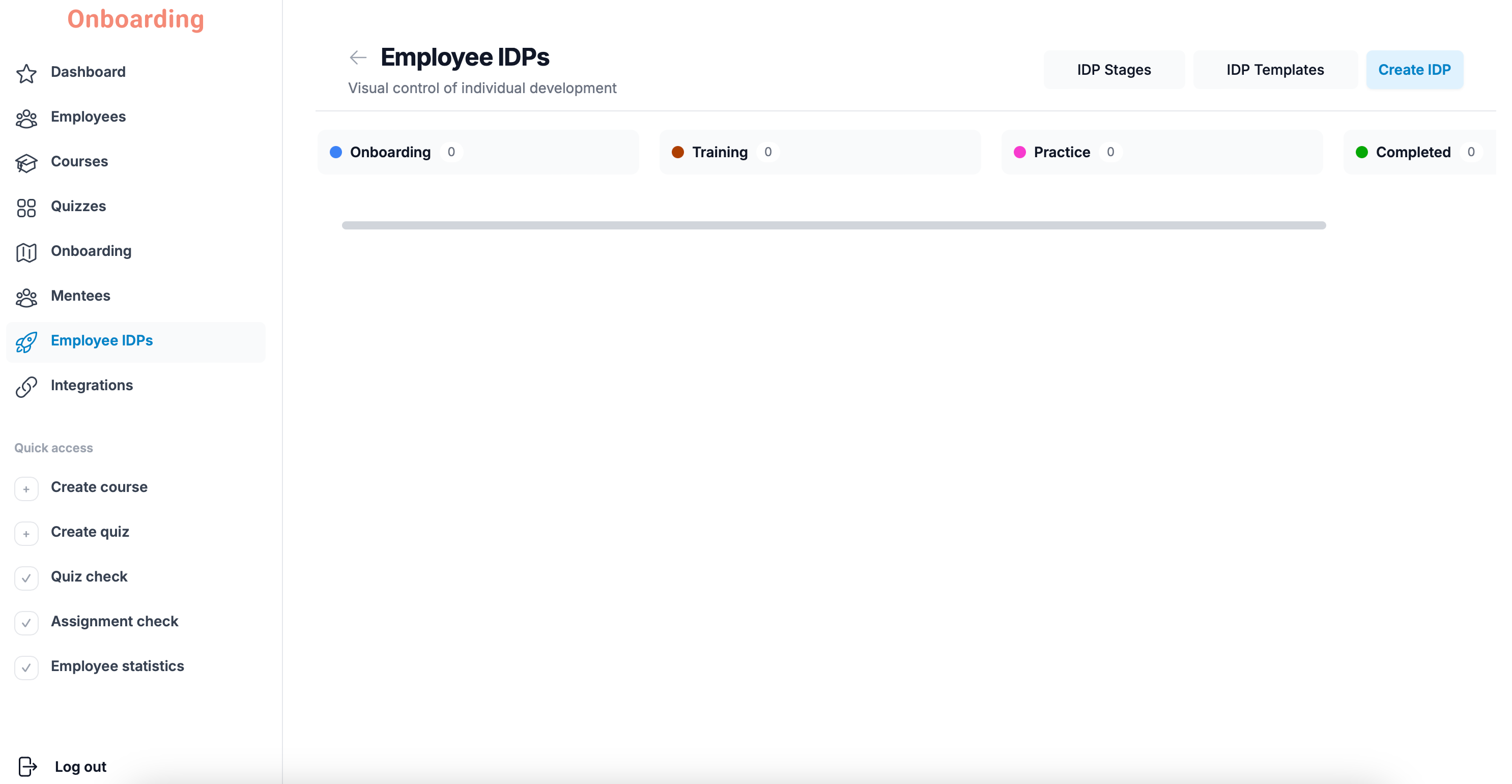
The IDP has been deleted and no longer appears on the Kanban board.
Important
Deleting an IDP cannot be undone. Once you confirm the deletion, the IDP cannot be restored.
Deleting an IDP removes all the data connected to it, including the employee's progress, task results, statistics, analytics, and development budget information.